Knock.app
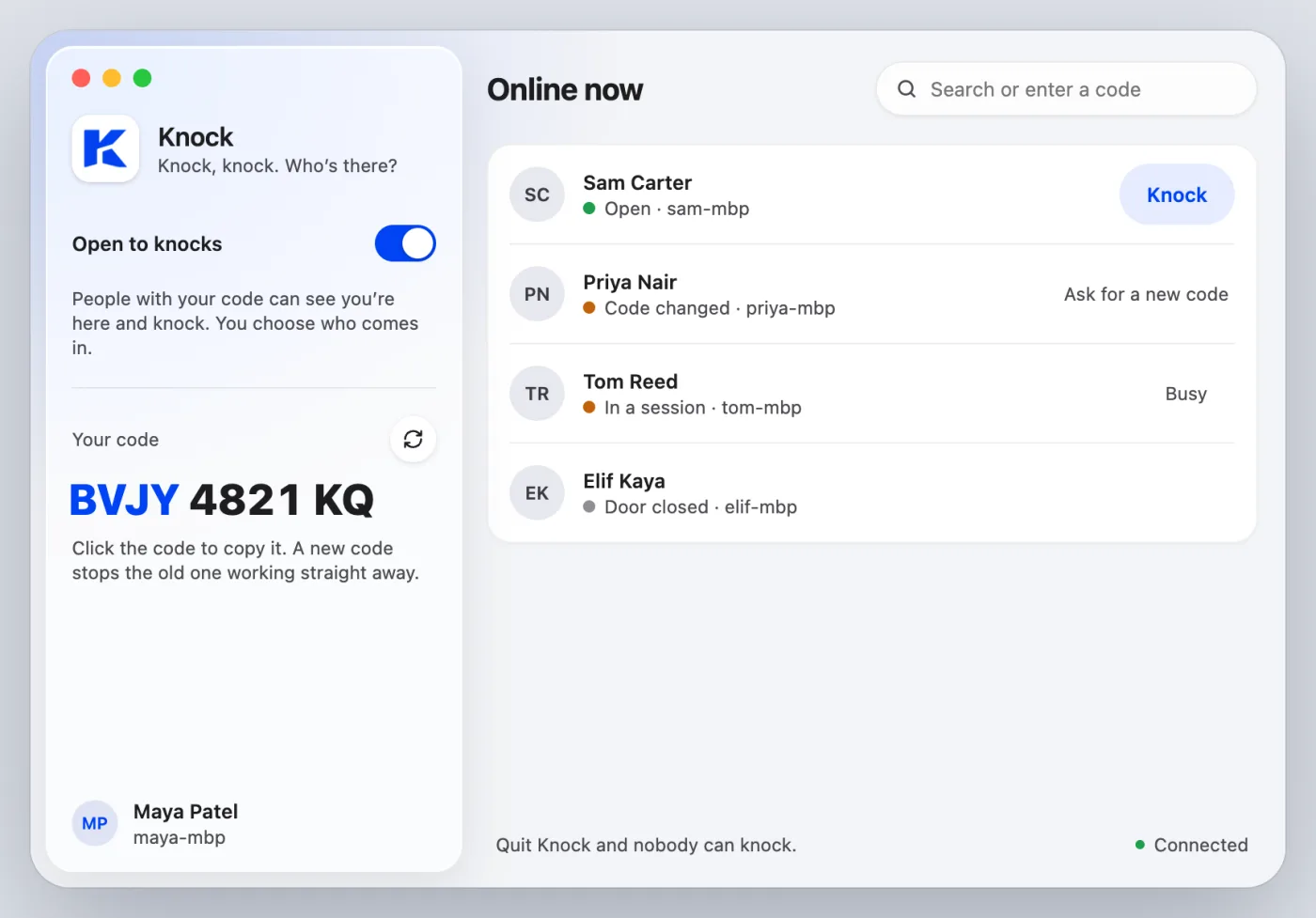
A native Mac app with a menu bar item, notch alerts and notifications. Your code sits in the sidebar, your people in a list with live presence.
 Early alpha: expect rough edges while we fix bugs
Knock, knock. Who's there?
They knock, you let them in. You both type in the same terminal, you see every key, and you can end it any time.
Free and open source. Early alpha. macOS 26 or later. The CLI also runs on Linux.
Or install with Homebrew
brew tap idestis/tap && brew trust idestis/tap
brew install --cask idestis/tap/knock
brew install idestis/tap/knock
Run the first line once. Then the second installs the app, the third the knock CLI.
How it works
Open Knock and you get one code, like BVJY 4821 KQ. Click it to copy, then send it to the person helping you.
They paste the code into Knock, or knock from any terminal. A code is only the right to knock. It never lets anyone in by itself.
sam ~ % knock BVJY 4821 KQ
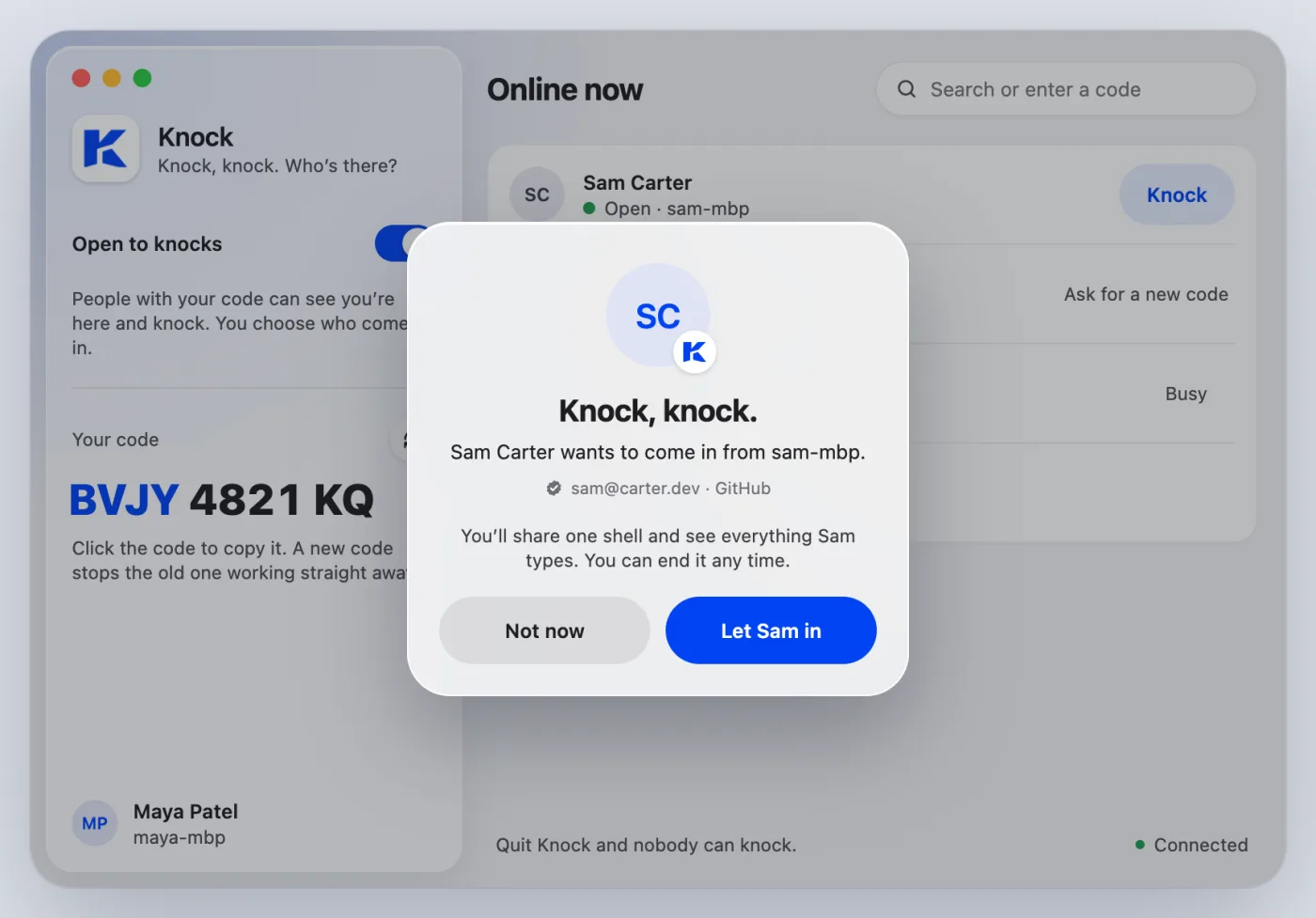
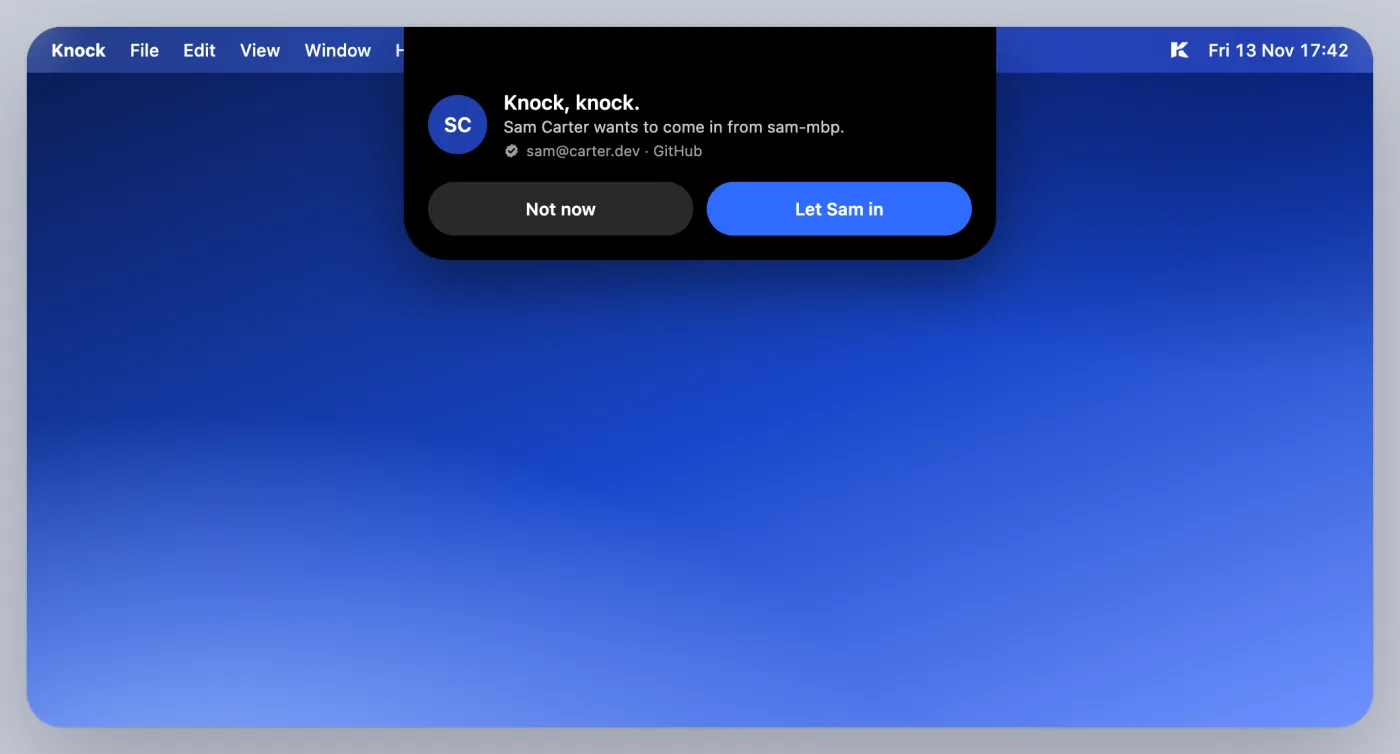
Knocking on Maya Patel…The knock drops from the notch with their name, marked verified if they signed in. Nothing happens until you click Let in.
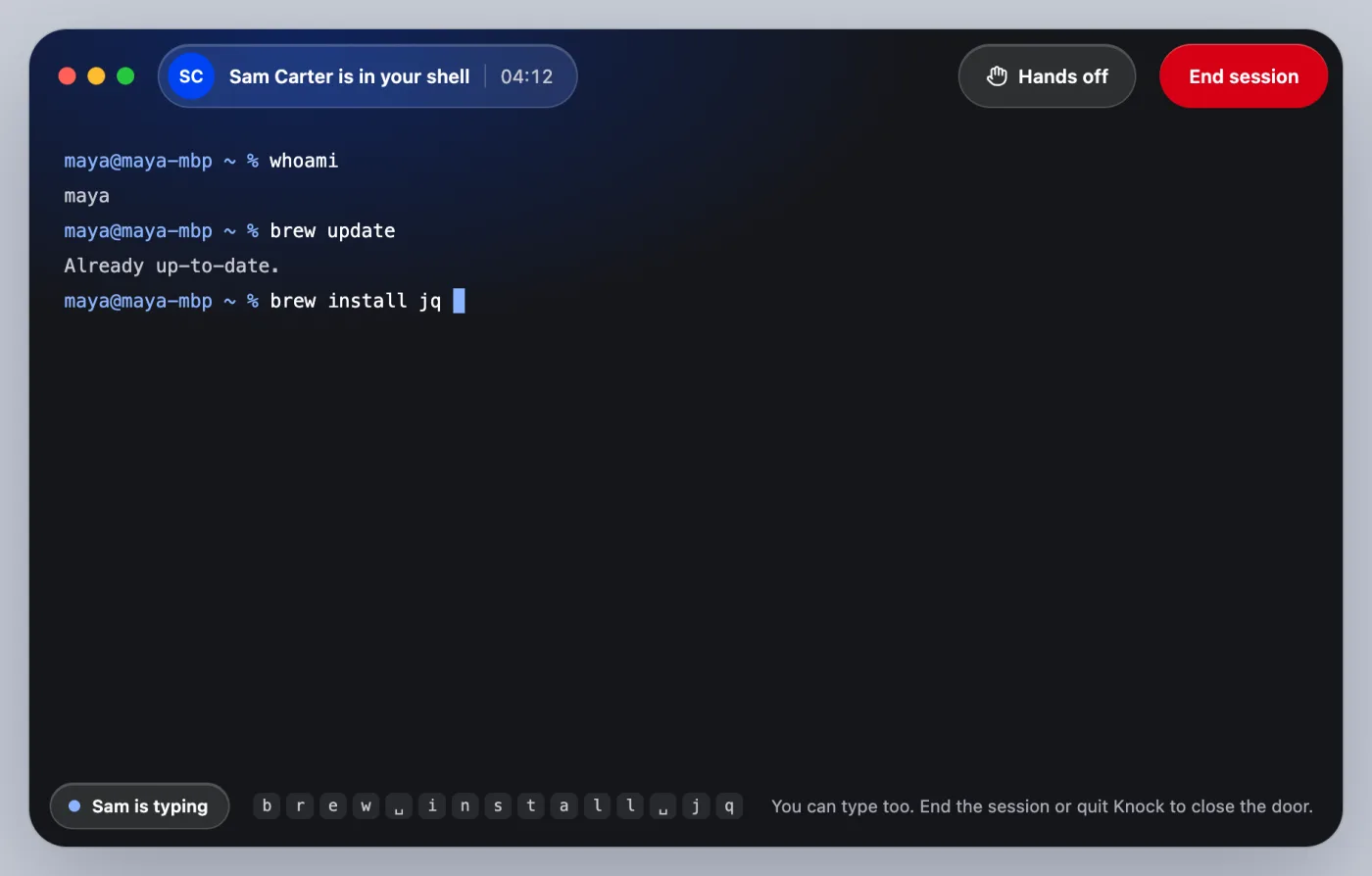
It's your login shell, running on your Mac. You both type, you see who's typing, and End session is always one click away.
Need them to watch, not type? Turn on Hands off and they're view-only. Next time, they find you in their list and knock without a code, and you still decide.
Rules Knock never breaks
Letting someone into your shell takes trust. These rules are built in, and no setting turns them off.
A session starts only when you click Let in. There's no default button, so pressing Return never lets anyone in.
No launch agent, no login item, no background daemon. When the app is closed, so is your door.
Make a new code and the live session ends, waiting knocks are dropped, and the old code stops working straight away.
Even keys the shell doesn't echo, like a typed password. Make them view-only or end the session at any moment.
Your Mac sends only a salted PBKDF2 hash. Codes, hashes, tokens and terminal bytes never go in a log.
Both sides connect out to the relay. No open ports, no SSH keys to hand out, no VPN to set up.
App and CLI
Use Knock.app or knock in any terminal. Same relay, same codes, and any pairing works: app to CLI, CLI to app, either to itself.
A native Mac app with a menu bar item, notch alerts and notifications. Your code sits in the sidebar, your people in a list with live presence.
knock CLIFor macOS and Linux terminals. Open your door with knock open and answer with y. The stream passes straight through, no TUI on top.
~ % knock open
Your door is open  ·  Maya Patel

Your code
BVJY 4821 KQ

They knock with:  knock BVJY 4821 KQ
Waiting for a knock. Ctrl-C closes your door.
Knock, knock.
Sam Carter wants to come in from sam-mbp.
✓ verified with GitHub · sam@carter.dev

Let them in? [y/N] 52s
Sam Carter is in. This shell is now shared.
~ %
knock CODEknock recentknock new-codeSelf-host the relay
Knock connects through knockd, a small relay you run yourself. It passes knocks along and forwards bytes. It never runs a command.
Sign-in is optional. Turn on GitHub or Google on your relay and knocks carry a verified name. Without it, people type a name and you see it marked not verified.
Set up sign-in on your relay$ docker run -p 8787:8787 \
-e KNOCK_TOKEN_SECRET="$(openssl rand -base64 48)" \
ghcr.io/idestis/knock-relay:latestThen point Knock at it in Settings, or set relay.url in ~/.knock/config.toml. A Kubernetes manifest is in the repo.
You'll see the knock, and you decide.